How to write a product tagline people can understand without your homepage
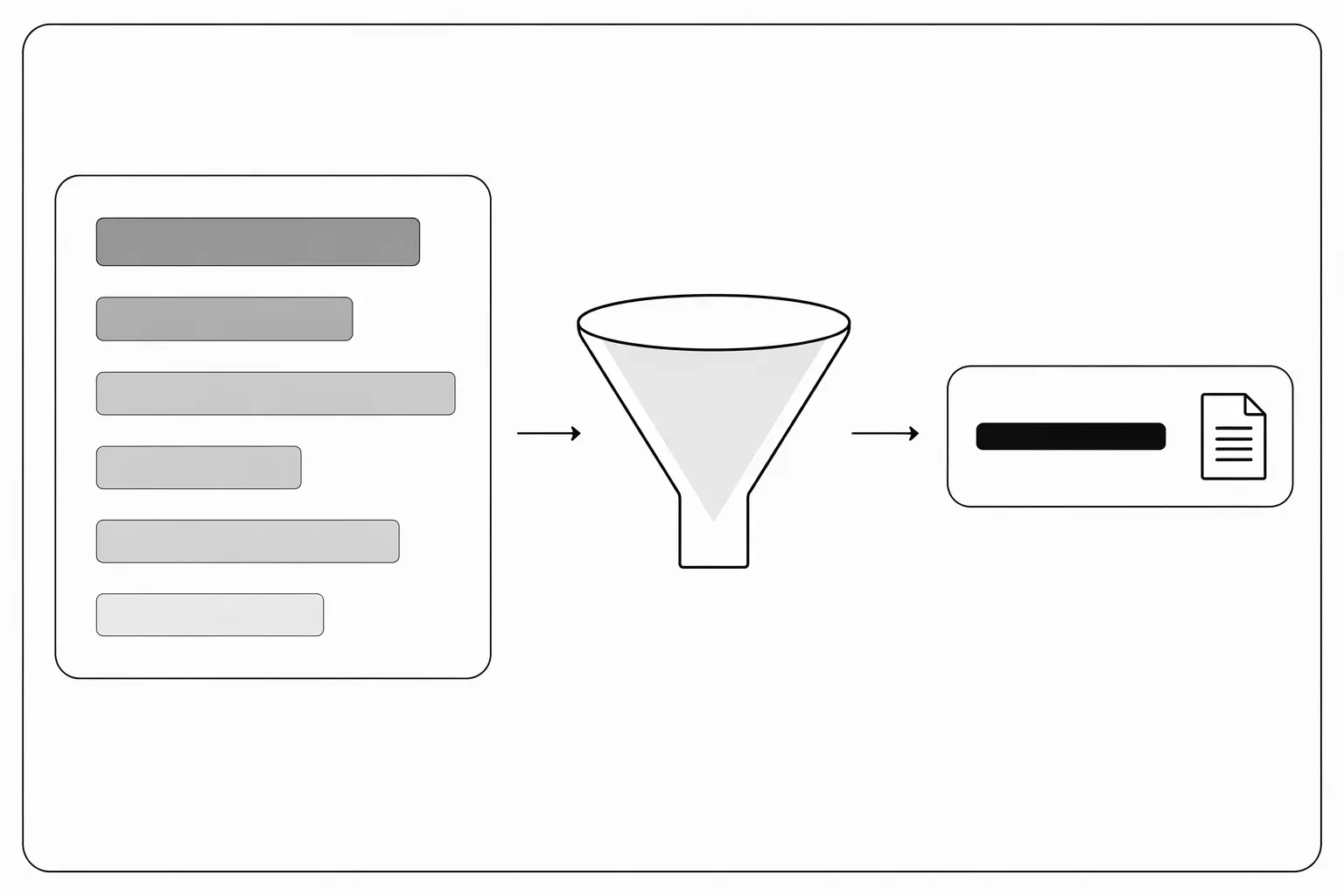
To write a product tagline, state the software’s main job and the person it is for in one short line. Keep the product name separate, remove claims you cannot support, and prioritize understanding over cleverness. A tagline is a compact explanation, not a complete feature list.
What makes a clear product tagline?
A clear product tagline lets a reader identify either the task or the product category, then recognize whether it fits their situation. Try one of these drafting patterns:
- Task + audience: “Draft release notes for small software teams.”
- Category + specific use: “A shared inbox for freelance client requests.”
- Action + object: “Compare API responses before deploying a change.”
These are fictional examples, not claims about existing products. Choose the pattern that explains your software with the fewest assumptions.
Compress the explanation, not the truth
Start with a full factual sentence and remove secondary details.
For a fictional tool called PatchNote:
| Version | Copy | What it is for |
|---|---|---|
| Full explanation | Turn merged GitHub pull requests into draft release notes your team can review and edit. | Description |
| Short line | Draft release notes from GitHub pull requests. | Tagline |
| Audience-led line | Release-note drafts for small software teams. | A directory where audience fit matters most |
The short versions omit detail but still say “draft.” Replacing that with “Publish perfect release notes automatically” changes the claim, not just the length.
Follow the field you actually have
There is no universal tagline limit. Product Hunt’s current product-page guide specifies a tagline up to 60 characters and asks founders to say exactly what the product does without hype.
Other directories may provide only a description field. Don’t force a slogan into that space if a short explanation would be more helpful. Count characters in the actual form, including spaces and punctuation, before sending.
Use three tests before choosing the line
- The stranger test: Can someone tell what the product does without opening your website?
- The swap test: Could the same line describe almost any software? “Work smarter with AI” fails this test.
- The truth test: Does the line imply availability, automation or results your product does not provide?
If jargon names a real technical task your audience recognizes, keep it. If jargon merely makes ordinary work sound important, replace it with a verb.
Keep the tagline and description consistent
The tagline gives the first explanation; the description fills in workflow, audience and access limits. Don’t advertise a broad category in one field and a narrow, incompatible product in another. Use the workflow-based SaaS description guide to expand the line, then check the other fields with the submission checklist.
Use your finished line as the start of a factual description for a free LaunchNest listing request. Requests are manually reviewed; approval, review timing and discovery outcomes are not guaranteed. If the page is unavailable, email launchnest@brainer.one.