
How to track referral traffic from directory listings
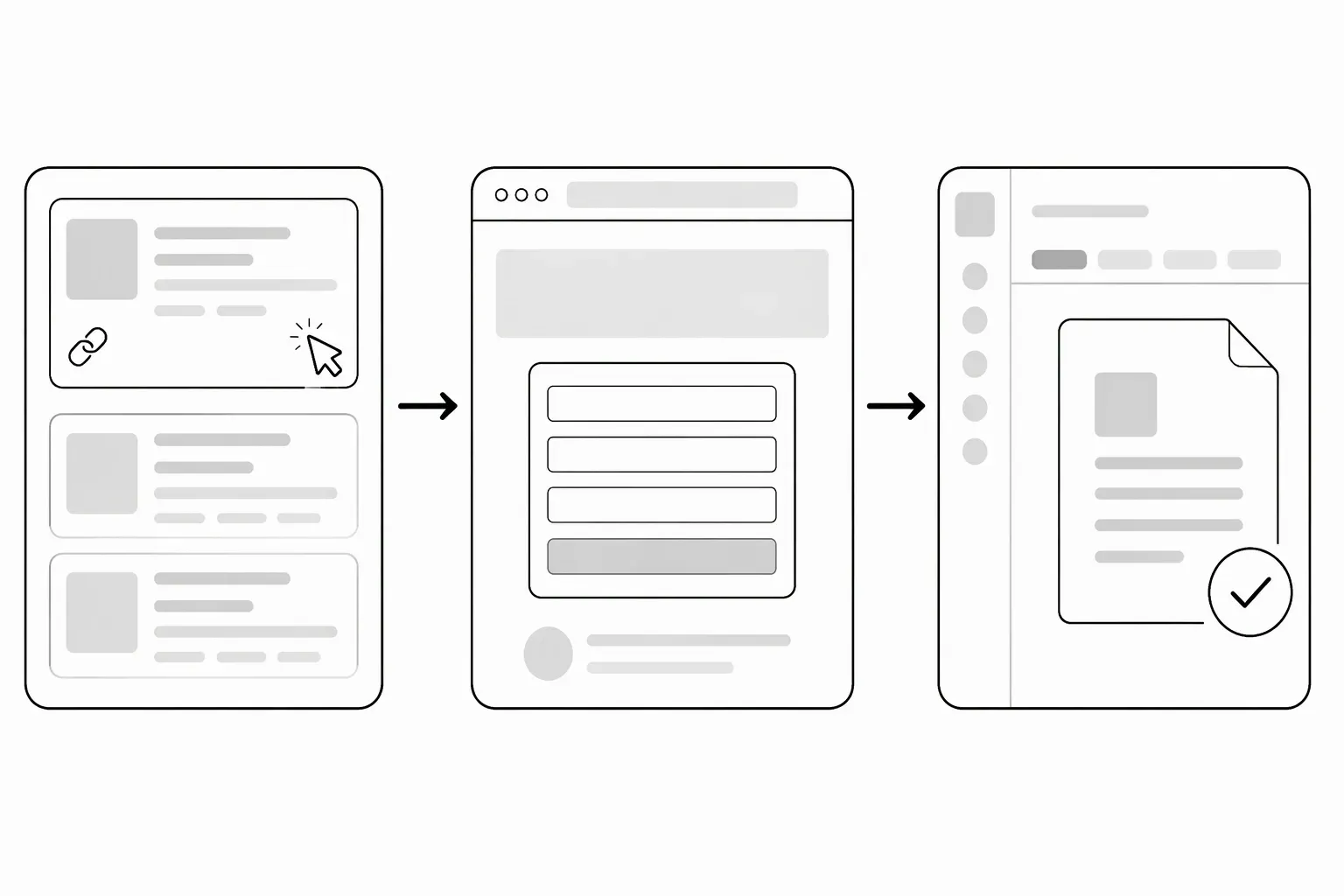
Track directory referral traffic by recording each published listing, checking its actual destination and measuring visits alongside a meaningful action on your own website. If the directory allows campaign parameters, use consistent UTM labels. A click, a visit and a completed product task are different events; don’t report them as the same result.
How do you track directory referral traffic?
Start a simple record for each placement:
| Field | What to record |
|---|---|
| Directory and listing URL | The page that is actually published |
| Publication date | When the listing became available |
| Destination | The final website URL after clicking |
| Tracking scheme | Allowed campaign tags or available referral information |
| Cost and time | Money spent and preparation effort |
| Useful action | The event you want a relevant visitor to complete |
Choose the useful action before looking at results. For fictional release-note software, creating a first draft may be more informative than opening the homepage. For a demo-only product, completing the demo may be the appropriate event. If you are deciding whether to pay for a placement, first separate the services offered by free and paid listings.
Use consistent campaign parameters when allowed
Google Analytics’ URL-builder guidance explains utm_source, utm_medium and utm_campaign, and recommends setting all relevant parameters, especially those three plus utm_id and utm_source_platform.
An illustrative destination for an imaginary directory could be:
https://example.com/?utm_source=example-directory&utm_medium=referral&utm_campaign=directory-profile&utm_id=directory-profile&utm_source_platform=example-directory
Use a documented naming scheme that fits your analytics setup. Parameter values are labels you choose, not evidence of a visit. Keep private emails, customer identifiers and sensitive information out of public URLs.
If a directory rejects query parameters, don’t disguise them to bypass its rules. Record the clean destination and work with the referral information your analytics actually provides.
Test the published link, not just the submitted one
Click through from the live listing. Check whether redirects preserve the intended destination and tags. A directory may normalize the URL, use a redirect or publish a different link than the one you submitted.
Mark your own test separately where possible. Check that your chosen action appears in your analytics after a permitted test, but do not count that test as an acquired user. Do not add acquisition tags to navigation between pages on your own website.
Interpret small samples carefully
Suppose an illustrative report shows eight visits and one completed demo. That is a record of activity, not a reliable forecast of future conversion or sales. The visits may include repeat visits or tests, and analytics may miss activity because of consent choices or blocking.
Use the same observation period when comparing placements. Record measurement gaps instead of treating missing data as proof that nobody visited. Keep website analytics separate from any directory-provided click count unless their definitions are known to match. Referral activity is also not ranking evidence; the directory backlinks guide explains why those questions need separate evidence.
Make the listing worth measuring
A clear description and a working next step come before attribution. Prepare both with the submission checklist.
When those are ready, request a free LaunchNest listing. Requests are manually reviewed; approval, review timing, visitors, sales and rankings are not guaranteed. If the page is unavailable, email launchnest@brainer.one.