Startup directory submission checklist: prepare one complete listing
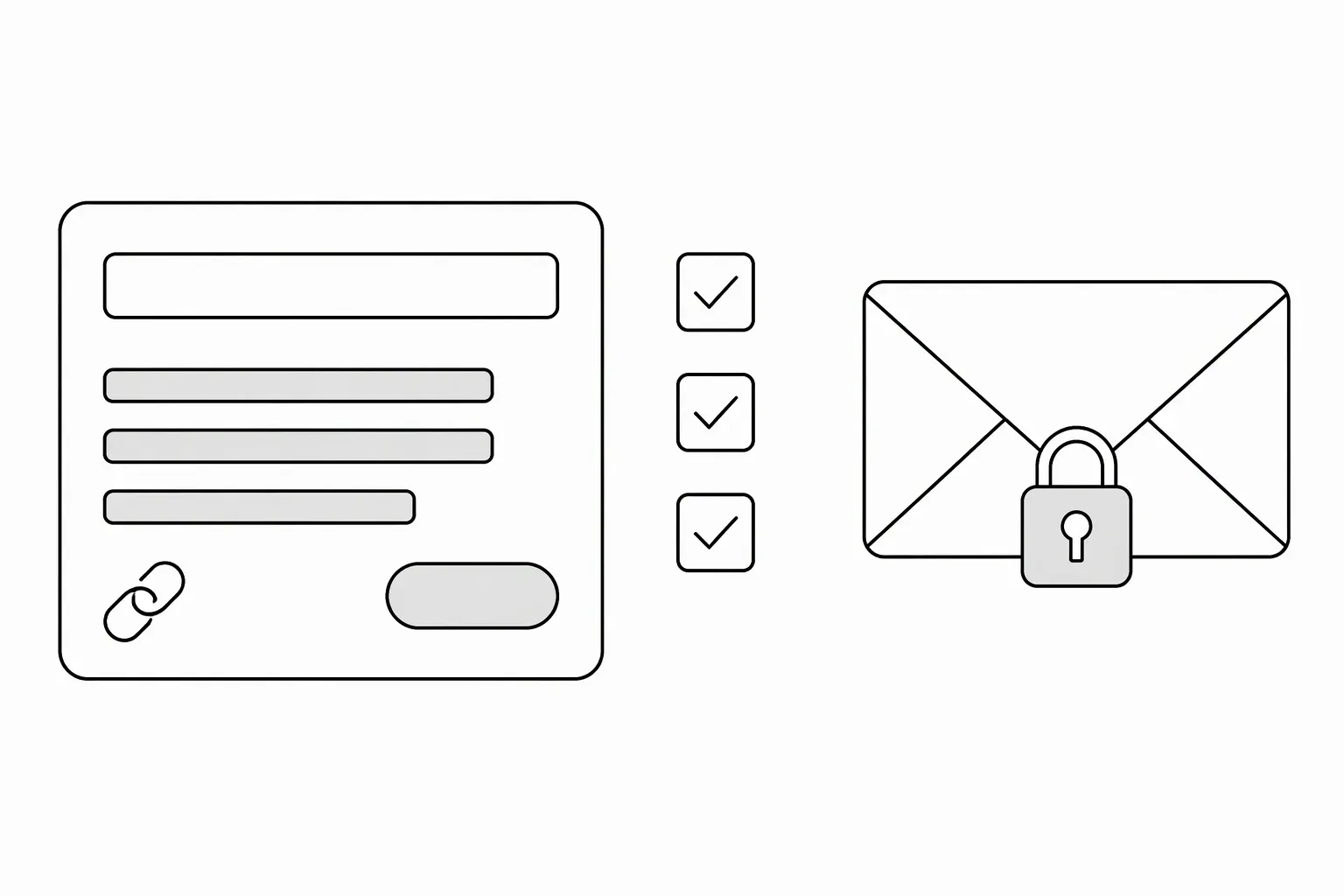
A startup directory submission checklist should cover your product’s public details, current availability, working website and publication permission. Prepare those facts in one source sheet before opening forms. Keep private contact information separate from the copy visitors will see, and check each directory’s actual requirements rather than treating every asset as mandatory.
What belongs in a startup directory submission checklist?
Use this source sheet as your starting point:
| Detail | What to prepare | Public or private? |
|---|---|---|
| Product name | The name used on your website | Public |
| Website | A working HTTPS page explaining the product | Public |
| Description | Main task, intended user and useful output | Public |
| Category | The closest match to the product’s main job | Public |
| Intended user | Role and situation the product serves | Public |
| Availability and pricing | What someone can use now, access limits and payment terms | Public |
| Submitter contact | Your name, relationship to the product and reply email | For review; check the site’s privacy terms |
| Publication permission | Explicit permission for the materials you provide | For review |
Keep a dated copy so later submissions don’t accidentally describe an older plan or an unreleased feature.
For fields that need more work, use the guides to write a workflow-based description, define your intended user and choose the closest software category.
Test the website as a stranger
Open the destination without an existing login. Can you understand the product, find the price or access conditions, and reach the stated next step?
If your listing says “Start a free trial,” test that trial route. If access requires an invitation, say so instead. Don’t submit a private dashboard URL as the public website. The beta availability guide helps distinguish usable access from a waitlist.
A fictional example: PatchNote turns merged pull requests into draft release notes for small software teams. Its listing should point to a public explanation of that workflow, not the founder’s signed-in project page. If GitHub is the only supported source, the description should not imply support for every repository host.
Prepare assets only where they are required
Asset requirements differ. Product Hunt’s product-page guide asks for product-in-use imagery. BetaList’s submission guide has its own gallery guidance. Read the current form before resizing screenshots or producing a video.
Use materials you own or have permission to publish. Replace private customer data in screenshots with clearly fictional demo data; don’t assume possession of an image gives you publication rights. When images are needed, follow the workflow screenshot checklist.
Check what actually sends the request
A preview, copied email or saved draft is not necessarily a submitted request. Look for the site’s submission confirmation, or send the completed message yourself if using email. Keep the confirmation and your submitted copy together.
Before sending, check the website, current feature claims, contact address and permission statement one last time.
Request a free LaunchNest listing
LaunchNest accepts free listing requests with manual review for fit, clarity, website availability and publication permission. A request is not automatic approval; no review deadline, traffic, sales or search ranking is guaranteed. The preparation page asks for five public product fields; no logo or screenshot is required.
If the page is unavailable, send those details, availability and pricing, your relationship to the product, a private reply email and explicit publication permission to launchnest@brainer.one.