How to define the target audience for your SaaS listing
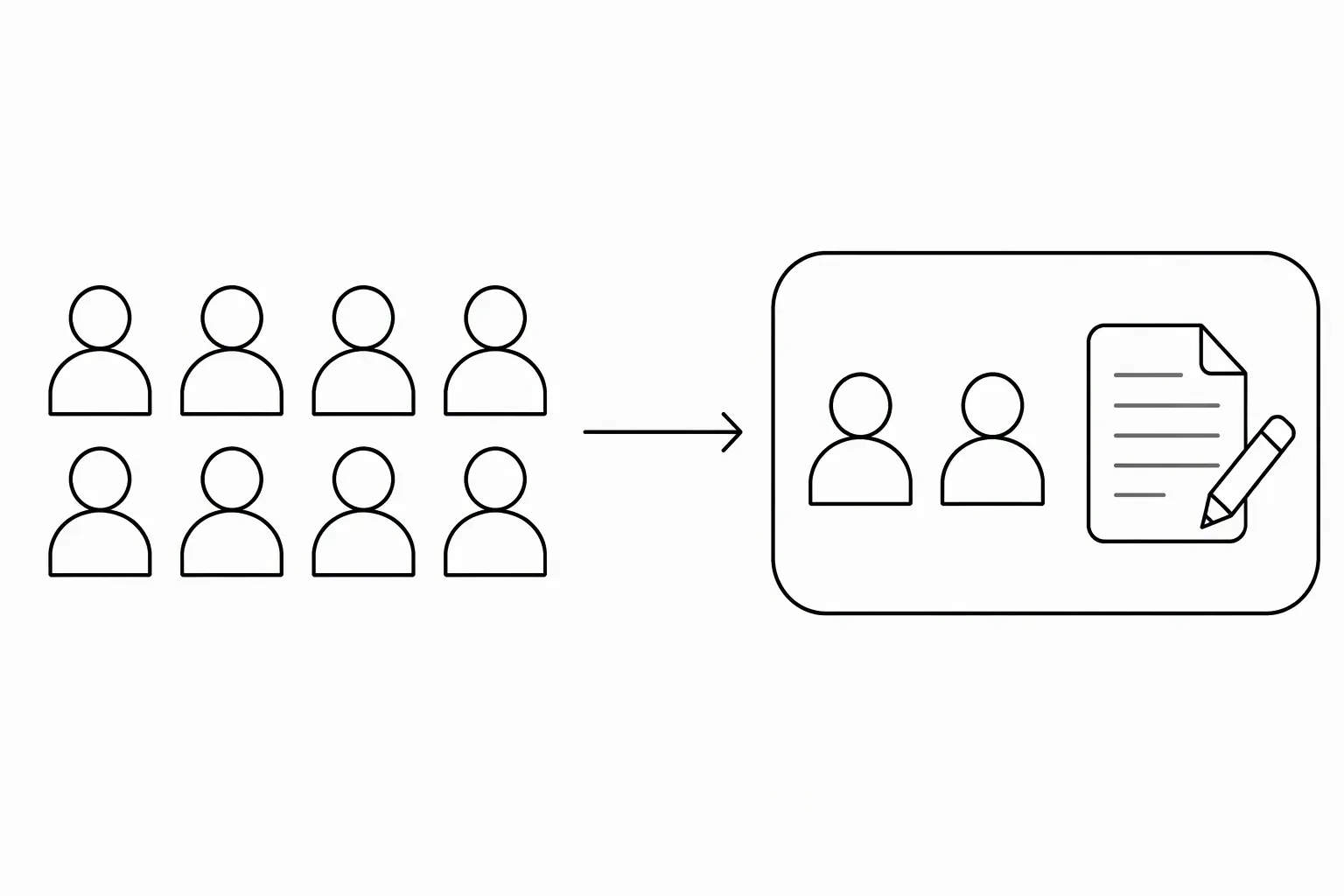
Define the target audience for your SaaS listing by naming a role, the situation that creates the need and any constraint that affects fit. “Freelancers handling recurring client requests” tells a visitor more than “businesses of all sizes.” Describe the audience your current product serves, not every market you might enter later.
What should the intended-user field say?
The intended-user field should identify someone who can recognize their own work in the description. Draft it with this pattern:
[Role or team] who [specific task or situation], especially when [relevant constraint].
For a fictional shared-inbox product:
Independent designers handling client requests across several ongoing projects, without a dedicated support team.
That statement does not prove demand. It gives visitors a way to assess fit and gives the founder a hypothesis to test.
Start with the task, then name the person
Write down the work your product helps someone complete. Who performs that work today? What tools, inputs or permissions does that person need?
A tool that checks API response changes might serve developers maintaining integrations. “Startup founders” could be too broad: some founders write integrations, while others have no use for the tool.
A useful audience statement can include:
- A role: designer, developer, bookkeeper.
- A work situation: recurring client projects, API maintenance, monthly reconciliation.
- A fit constraint: works alone, uses a particular platform, needs a specific export.
Only include constraints that matter. A founder’s preferred customer age or location is not automatically relevant to software fit.
Narrow the message without inventing restrictions
Distinguish the best starting audience from technical eligibility.
| What you mean | How to say it |
|---|---|
| Designed around one workflow | “Built for freelance designers managing client requests.” |
| Others can also use it | “Other solo service businesses can use it for the same workflow.” |
| A real compatibility limit | “Requires a Google Workspace account.” |
| A future market | Keep it out of the current listing until supported. |
Don't say “only for designers” unless that restriction is real. Don't say “for everyone” simply because anyone can create an account.
Check the audience against the rest of the listing
Product Hunt’s description guidance asks which problem the product solves and for whom. Put the same audience in your website and listing, while adapting the amount of detail to each field.
Ask a reader from that audience what they think the product helps them do. Their answer is a clarity check, not proof that they will buy it. If they identify a different task, revise the audience or the product explanation before submission. The SaaS description guide helps connect the user to a concrete workflow; the category guide helps choose the shelf where that user would look.
Use the audience in your request
Check the remaining public and private fields with the submission checklist.
LaunchNest’s preparation form includes an intended-user field. Add your role-and-situation statement to a free listing request. Manual review checks fit and clarity; acceptance, review timing and discovery outcomes are not guaranteed. If the page is unavailable, send your details to launchnest@brainer.one.