How to choose a category for your software product listing
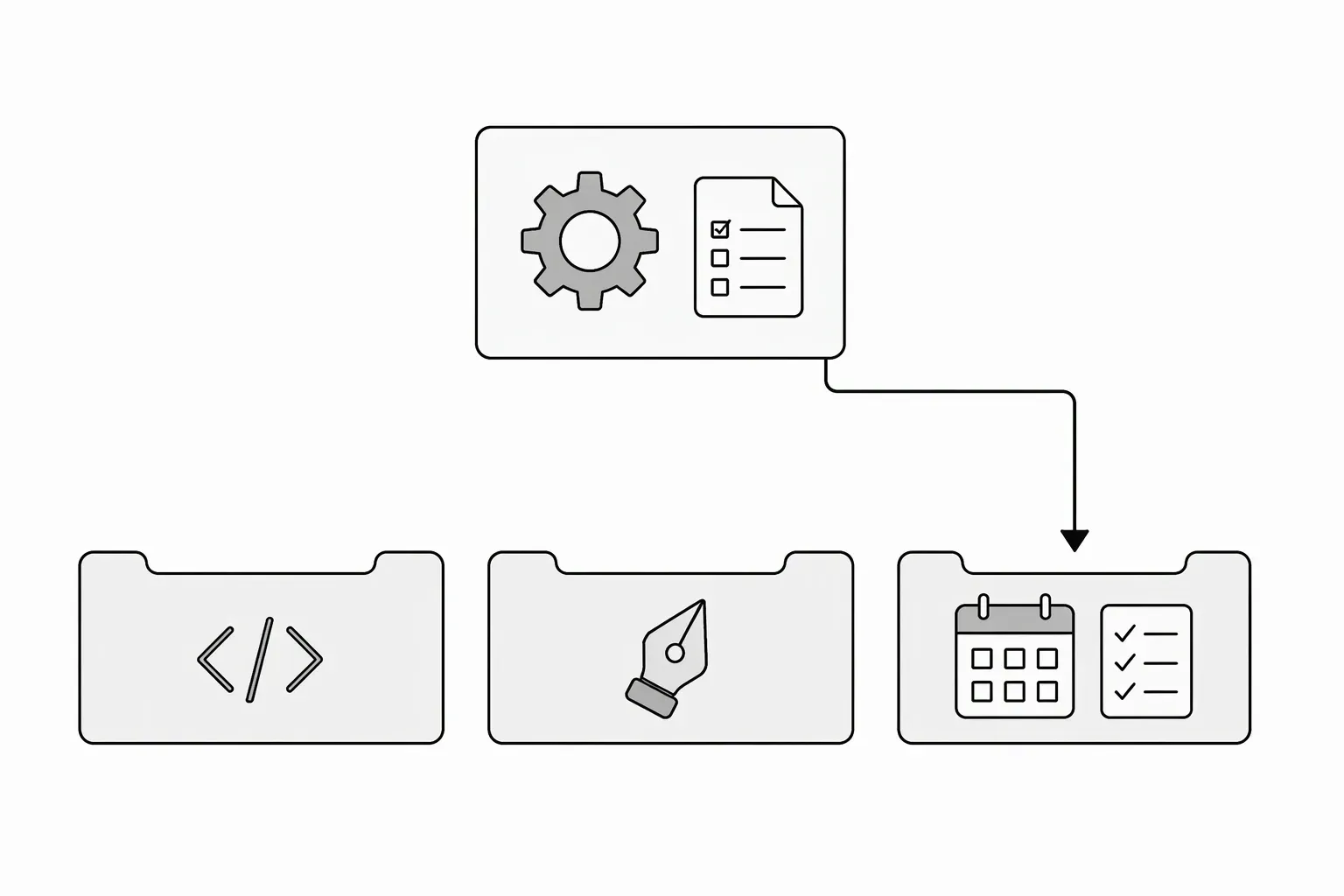
Choose a software product category by the main job a visitor uses your product to complete, not by every technology inside it. Start with the directory’s available categories, then pick the closest honest match. If two categories fit, use the one that best explains the product’s primary workflow to its intended user.
How do you choose a software product category?
Finish this sentence first:
Someone opens this product mainly to ______.
An AI tool used to draft email campaigns may belong in Marketing. A tool used to inspect an API may belong in Developer tools. “AI” describes a technology, but it does not always describe why someone needs the product.
Categories are directory-specific. Use the options in the current form instead of assuming your preferred label exists.
Match the job to the available shelf
LaunchNest’s public preparation form currently offers these choices:
| Category | A useful starting question | Fictional example |
|---|---|---|
| Productivity | Does the product help organize or complete everyday work? | A personal task-planning app |
| Developer tools | Is the main work building, testing or maintaining software? | An API response comparison tool |
| Design | Is the main work creating or reviewing visual design? | A design-file feedback tool |
| Marketing | Is the main work reaching or communicating with an audience? | A campaign-drafting tool |
| Business | Is the main work a business operation not better described above? | A client invoicing app |
These are selection aids, not universal definitions or guarantees of review acceptance. Other directories may place the same product on a different shelf.
Resolve a category tie with the first useful action
Consider a fictional tool that drafts release notes from merged pull requests. It helps teams communicate, but the input and daily workflow may belong to software development.
Ask:
- Who starts the workflow?
- What input do they provide?
- What is the first useful output?
- Where would that user look for a tool to do this job?
If developers start from repository activity, Developer tools may explain the product better. If marketers start from prepared updates to publish campaigns, Marketing may be a closer match. Categorize the actual version, not a future expansion.
Don’t use categories as a substitute for description
A broad shelf needs a specific description. “Business” alone does not tell a visitor whether your software creates invoices, handles payroll or schedules appointments.
Name the exact task in the description and the role in the intended-user field. Product Hunt’s product-page guidance makes the same practical distinction: explain the problem and the person, not just the product’s name. Use the description template and intended-user guide if those fields are still broad.
If no category fits honestly, ask the directory rather than picking an unrelated category for exposure.
Add the category to your request
Use the submission checklist to check the other details before sending.
Choose the closest match when preparing a free LaunchNest listing request. Listings are manually reviewed for fit and clarity, with no guaranteed approval, review deadline or discovery outcome. If the page is unavailable or you need help choosing, email launchnest@brainer.one.